
How to Redeem My Candy Business Codes
Safe redeem checklist, where codes appear, phishing warnings, and honest November 2026 status.
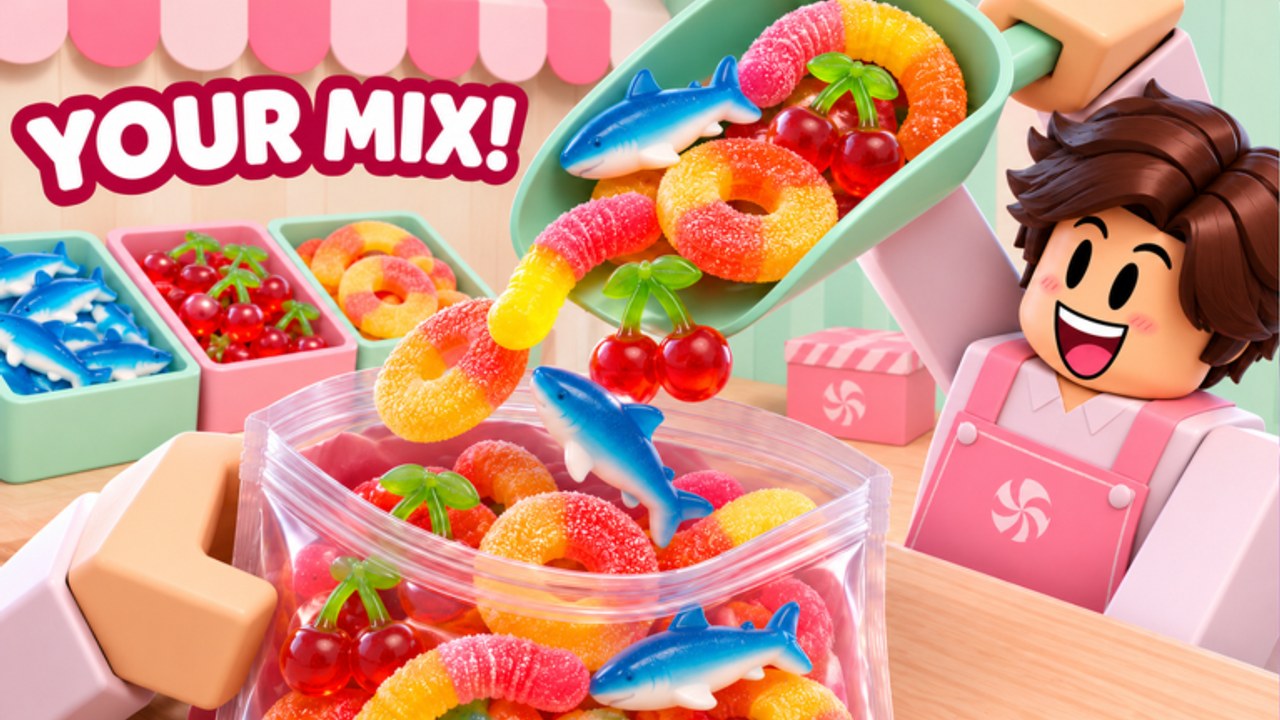
Promo codes in My Candy Business are optional freebies on top of the real loop: print orders, scoop candy, fill wheels, pack boxes, hire helpers, and expand rooms. This page is the redeem playbook—where to look, how to paste safely, what to do when nothing works, and why this wiki still lists no confirmed public active codes as of the late November 2026 research pass.
Bookmark the Codes Hub for the live table when strings are verified. Track patch timing on the Updates Hub and the dated November 2026 Check. Never invent codes from comment sections.
Current status (late November 2026)
As of research around 28 November 2026, there are still no confirmed public active promo codes for My Candy Business (place 74928469639643, universe 9962232179) by best tycoons studio. Public tracker pages and open game-page text did not show a verified working list we could reproduce.
Important nuance: the best tycoons studio group description tells players to join the group to see codes under the message. That means some code posts may be visible primarily to group members on the wall or shout, not as a permanent public wiki table. Join the official group, read the wall yourself, then redeem in the Roblox client. This wiki will only publish strings after confirmation—membership-gated wall text can change or expire quickly.
Where codes usually appear
When best tycoons studio drops codes, check these sources first:
- Studio group wall / shout after joining best tycoons studio
- Game page banners or description updates on My Candy Business
- Milestone posts (likes, visits, favorites) that include a redeem string
- Official Discord or social links only when those links are posted on the group or game page
Ignore random image macros that demand a password, “Robux generator” sites, and Discord invites with no studio trail. Cross-check candidates against the Codes Hub after you test them in-game.
In-game redeem checklist
Roblox shop and tycoon games usually hide Codes, Rewards, Gift, or Shop-style buttons on the HUD. Exact labels in My Candy Business can move after UI patches—always verify in your current client.
- Launch My Candy Business from the official experience link above.
- Finish onboarding or tutorial prompts so menus unlock.
- Look for Shop, Rewards, Settings, Gift, or Codes buttons on the sides or top of the screen.
- Open the redeem field and paste the code (typing invites typos).
- Respect case and punctuation—many Roblox codes are case-sensitive.
- Confirm the reward toast, then check cash, inventory, boosts, or cosmetics.
- If nothing happens: remove spaces, rejoin a fresh server, confirm you have not already redeemed it on this account, and re-read the official post for expiry notes.
Do not redeem on third-party websites. If a page asks for your Roblox password to “apply a candy code,” it is phishing.
Phishing and scam patterns to reject
- Sites that ask you to log in outside Roblox to claim a code
- “Free Robux with My Candy Business code” messages
- Discord bots that need account credentials or .RBXL uploads
- Lists that mix codes from unrelated candy tycoons without saying so
- Anyone offering scripts that auto-redeem or autofarm—see the Scripts Hub
Legitimate growth still comes from tips, friends, VIP care, helpers, and rooms. Codes are accelerators when they exist—not a replacement for Getting Started habits.
What to buy if a code works
Dump rewards into the highest unfinished progression step:
- Order capacity and scooping speed
- Packing / rush tools
- Helpers with offline coverage
- Content Studio / Candy Factory / Warehouse when volume demands it
- Logo, colours, bags, and décor only with surplus
That order matches community guidance on the Tier List Hub and Early Upgrades. Cosmetics from a code are fine if the reward is cosmetic-only; do not sell your throughput budget for a second poster.
Troubleshooting matrix
| Symptom | Try |
|---|---|
| Invalid code | Check spelling, case, expiry; confirm it is for this game |
| No Codes button | Finish tutorial; search Shop / Rewards / Gift; rejoin after a patch |
| Already redeemed | Normal on the same account; try an alt only if rules allow |
| Wall code missing | Join the studio group; wall visibility can require membership |
| Reward missing | Check inventory and boost timers; rejoin once |
After any major update, re-open menus even if this page still says no public actives—new UI often arrives with the first code wave. The November 2026 Check explains what we re-tested in the latest research refresh.
How this wiki handles codes
- We do not invent strings to fill empty tables
- We prefer in-game confirmation plus an official channel
- We note expiry instead of leaving dead codes forever
- We link redeem help here and status on the Codes Hub
- We remind players that group-wall codes may be member-visible before they are widely mirrored
Related pages
- Codes Hub — live status table
- Updates Hub — patch cadence
- November 2026 Check — latest research note
- Links Hub — official game and group URLs
- Make Money Fast — where reward cash should go
Join the official group, read the wall carefully, redeem only inside Roblox, and treat unverified lists as rumors until they work on your account. Until a public string is confirmed, keep packing parcels—the shop pays tips whether or not a code drop is live.
Frequently Asked Questions
Quick answers to the most common questions.
Are there active My Candy Business codes right now?
As of late November 2026 research, there are no confirmed public active codes. Join the studio group wall for member-facing messages and re-check the Codes Hub when something verifies.
Where do I redeem codes in-game?
Look for Shop, Rewards, Gift, or Codes buttons after the tutorial. Labels can change with patches—confirm the path in your current client.
Why does the studio group mention codes?
The best tycoons studio group description says to join to see codes under the message. Wall posts may be aimed at members and can expire—redeem in-client, do not share passwords.
Is it safe to redeem on a website that asks for my password?
No. That is phishing. Redeem only inside the Roblox client for My Candy Business.
What should I spend code rewards on?
Prioritize capacity, scooping, packing, and helpers before décor. See Early Upgrades and the Tier List Hub for the full stack.